
A guide on how to register and use ProPortal.
To register for parental access on ProPortal, complete the parental access registration form.
Click on the “Submit An Account Request” link just below the login section. You will then need to complete the form and submit the request. We attempt to handle requests within 24 working hours.
If you have any queries on how to access and use ProPortal, please email
Data used to authorise the ProPortal account, including parents’/carer’s email addresses, must match that which was provided by students on their application or in the data check sheets. If the data does not match our student records, the request will be rejected, and the student will be required to update their records with the college accordingly.
Once logged in, you should see a screen that looks similar to the image below.
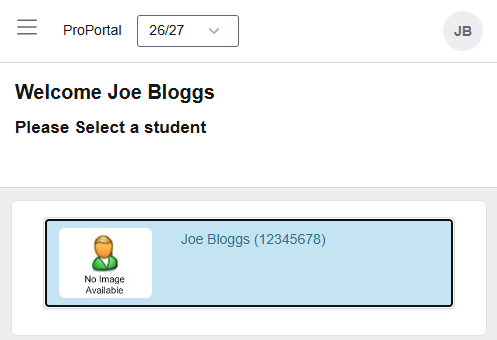
On selecting your ‘student’ you should see a screen with the information below.
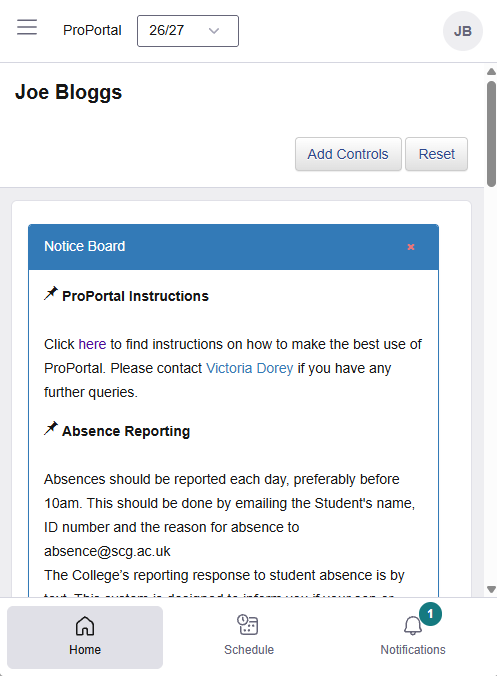
Access to student information can be made via the menu at the top of the screen. On mobile, this will be three lines at the top left and on desktop, this will be an icon with an arrow.
 or
or
Reports – Allows you to see information such as your son/daughter's timetable, absences this week, register details, exam timetable and any external exam results that have been published. To view these reports, click on the required report, then the view report button.
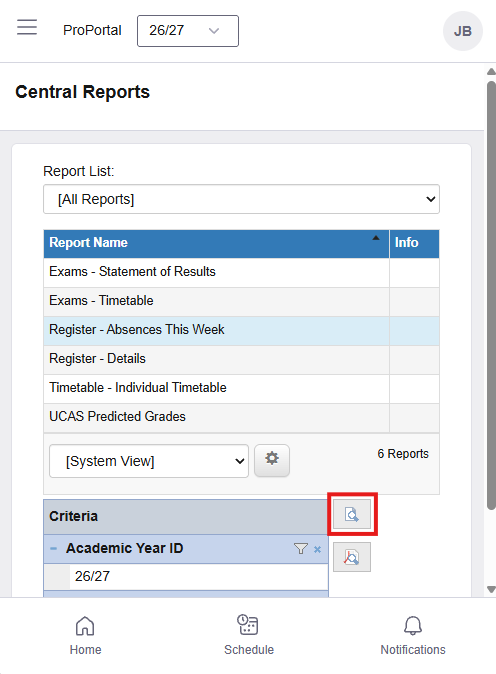
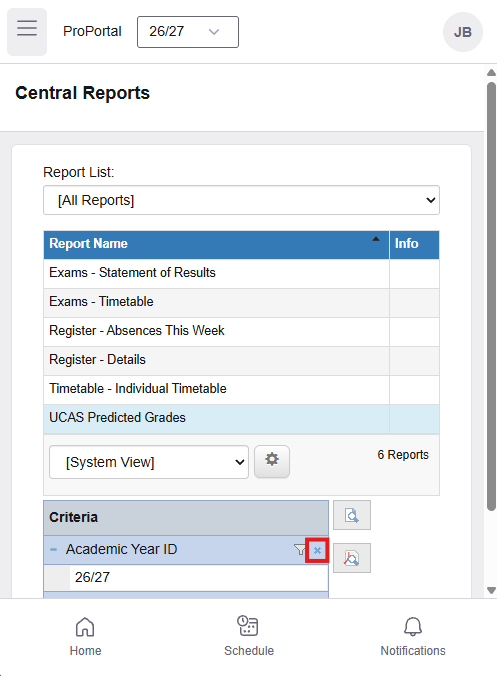
For the UCAS Predicted Grades, you will need to clear the criteria before running this report, this can be done by clicking the small cross.
‘Information’ allows you to view the other information that is held e.g. Achievements on entry, address on record, etc.
‘Learner ILP’ is another route to attendance information.
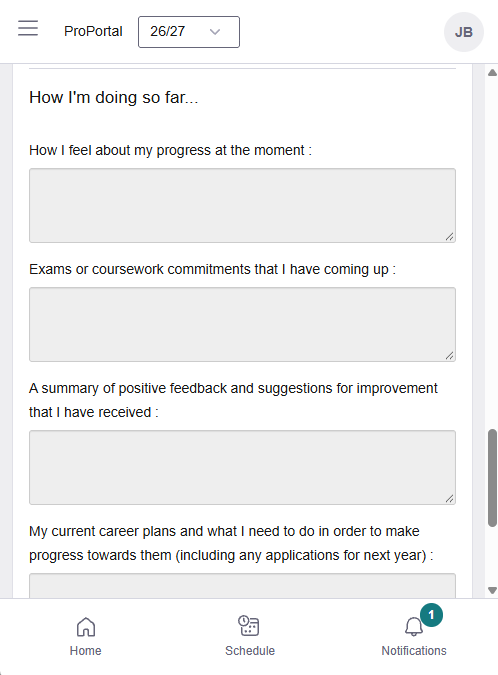
Progress Review Grades – These are found under the ‘Meetings and Comments’ section, and by clicking on the Progress review that you wish to view, these include the attendance breakdowns for each class. Students will also discuss their progress grades with their tutors, and comments will be left at the bottom of the same page.
UCAS references and predicted grades can be found under the Miscellaneous section. These give a commentary and predicted grade at the start of year 2 of a two-year academic Study Programme and are used as the basis for the eventual UCAS reference.